Laptops have become an indispensable part of our daily lives. From work tasks to entertainment, these portable devices play a crucial role. However, like any technology, laptops aren’t immune to issues. Understanding and addressing common laptop problems is key to maintaining optimal performance. Let’s demystify these issues and empower you with the knowledge you need.
Slow Performance
One of the most prevalent laptop issues is slow performance. Random access memory (RAM) is often the culprit here. When your laptop lacks sufficient RAM, it struggles to handle multiple tasks simultaneously, resulting in sluggish performance. To remedy this, consider upgrading your RAM or closing unnecessary applications to free up memory.
Overheating Woes
Overheating is a common concern, especially in sleek, compact laptops. Dust accumulation in vents and cooling fans can impede airflow, leading to overheating. Regularly clean these components to prevent this issue. Additionally, investing in a cooling pad can provide an extra layer of protection, keeping your laptop at an optimal temperature.
Maximizing Lifespan
Battery degradation is an inevitable aspect of laptop ownership. To extend your battery lifespan, avoid overcharging and ensure periodic full discharges. Adjusting power settings and reducing screen brightness can also contribute to prolonged battery life. Understanding these simple practices can save you from the inconvenience of sudden battery failure.
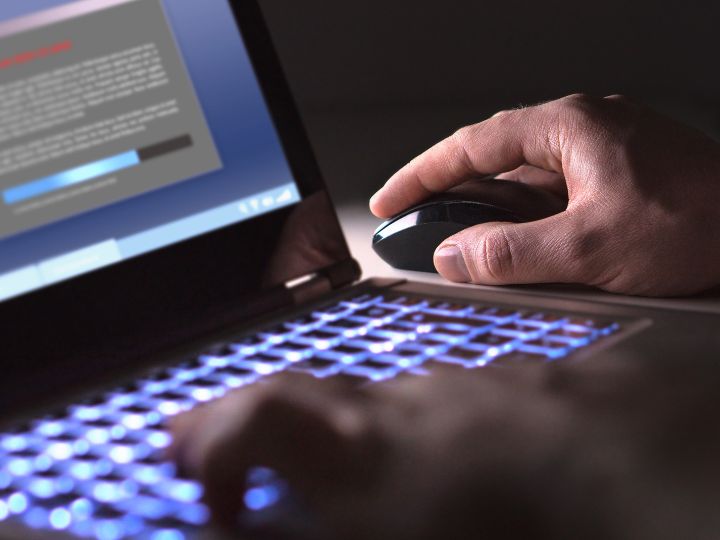
Software glitches can be frustrating, often arising from outdated or incompatible programs. Regularly update your operating system and applications to ensure compatibility and access the latest features and security patches. Running a reputable antivirus program also adds an extra layer of defense against potential software issues.
Clearing the Clutter
Running out of storage space is a common headache for laptop users. Delete unnecessary files, uninstall unused applications, and transfer large files to external storage devices. Utilizing cloud storage solutions can also alleviate the burden on your laptop’s local storage, ensuring smooth functionality.
Untangling the Web
Troubles with Wi-Fi and Bluetooth connectivity can hinder your laptop experience. Ensure your drivers are up-to-date, and consider resetting your network settings if issues persist. Physical obstructions and interference can also impact connectivity, so positioning your laptop in an optimal location can make a significant difference.
Addressing Physical Problems
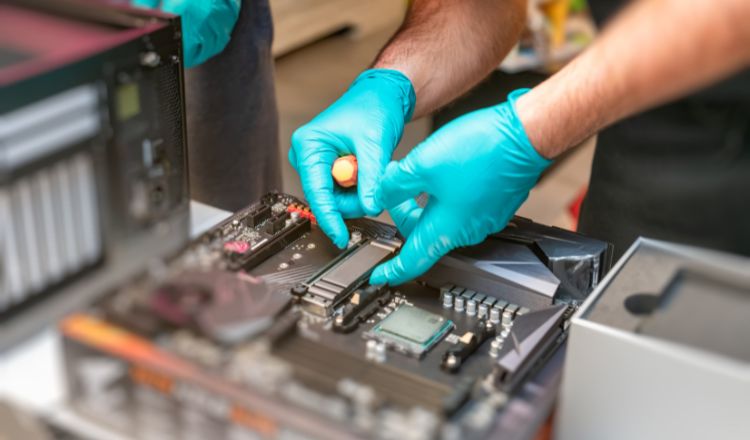
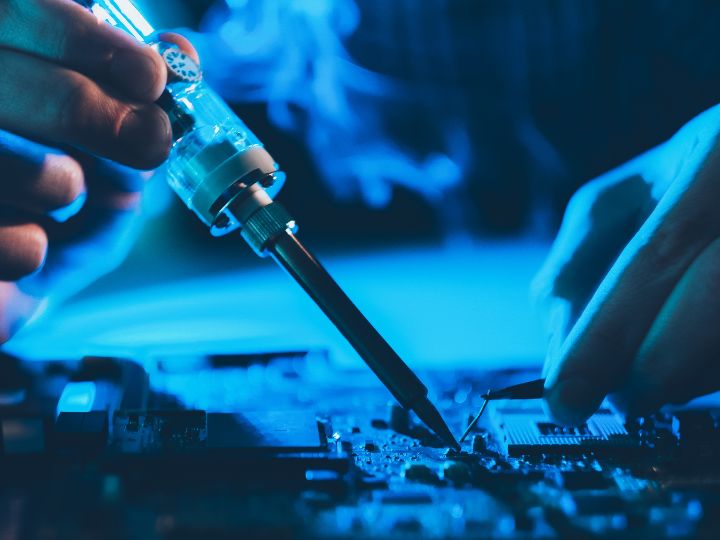
Physical damage to laptops can manifest in various forms, from cracked screens to malfunctioning keyboards. Handle your laptop with care, invest in a sturdy laptop case, and address any hardware issues promptly to prevent further damage. Regularly check for loose connections and signs of wear.
Safeguarding Your Data
In an era of cyber threats, laptop security is paramount. Keep your operating system and antivirus software updated, use strong, unique passwords, and enable two-factor authentication whenever possible. Regularly back up your data to an external drive or cloud service to mitigate the impact of potential security breaches.
Diagnosing Unwanted Sounds
Unusual sounds emanating from your laptop can be disconcerting. The culprit is often a malfunctioning fan or hard drive. Addressing these issues promptly can prevent further damage and maintain a peaceful computing environment. If the problem persists, seeking professional assistance is advisable.
Issues with the laptop screen, such as cracks or flickering, can be a headache. Handle your laptop with care to avoid physical damage, and invest in a quality screen protector. Adjusting display settings and updating graphics drivers can address flickering issues, ensuring a clear and vibrant viewing experience.