In the fast-paced digital age, where every click matters, the efficiency of your computer system heavily relies on the software it runs. If you’ve ever found yourself grappling with the complexities of software installation, worry not. DLV Computer Repair in Stevenage has curated a comprehensive guide to make this process effortless, unlocking the true power of your device. Let’s delve into the world of seamless software installation with DLV’s expert tips.
Understanding Your System Requirements
Before embarking on any software installation journey, it’s crucial to understand your system’s specifications. DLV Computer Repair emphasizes the significance of matching software requirements with your device capabilities. Installing software that surpasses your system’s capabilities can lead to sluggish performance and potential crashes. Always check the minimum and recommended system requirements before proceeding.
Organize Your Installation Files
DLV Computer Repair recommends creating a dedicated folder for installation files. This not only keeps your system organized but also ensures that you have all the necessary files in one place. No more scrambling to find that elusive setup.exe buried in your downloads folder.
Update Your Operating System
Maintaining an updated operating system is paramount for seamless software installation. DLV Computer Repair advises users to regularly check for updates and install them promptly. An updated OS provides a stable environment for new software to thrive and minimizes compatibility issues.
Run a Pre-Installation System Check
DLV Computer Repair suggests conducting a pre-installation system check to identify any potential roadblocks. This can include outdated drivers, insufficient disk space, or conflicting software. Taking care of these issues beforehand ensures a smooth installation process.
Disable Unnecessary Background Applications
Resource-hogging background applications can disrupt the installation process. DLV Computer Repair recommends temporarily disabling unnecessary programs before initiating the installation. This ensures that the software has the full resources it needs, preventing interruptions and reducing installation time.
Use Reliable Sources for Software Downloads
To avoid malware and security risks, DLV Computer Repair stresses the importance of downloading software only from reputable sources. Stick to official websites or trusted third-party platforms. Be wary of pop-ups and misleading ads that may lead you to download compromised versions of the software.
Read Installation Instructions Thoroughly
Skipping through installation instructions might seem tempting, but DLV Computer Repair advises against it. Take the time to read through each step carefully. Understanding the process ensures that you make informed decisions, such as customizing the installation to suit your preferences.
Create System Restore Points
DLV Computer Repair encourages users to create system restore points before installing new software. In the rare event that something goes awry, having a restore point allows you to revert your system to a stable state, avoiding potential data loss or system malfunctions.
Stay Vigilant During Installation
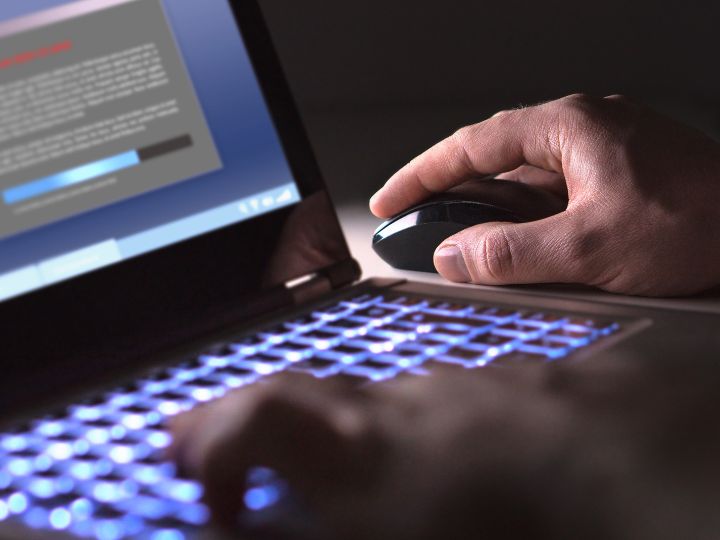
While installing software, DLV Computer Repair recommends staying vigilant. Keep an eye on the installation progress and watch out for any prompts or warnings. Addressing issues as they arise can prevent complications later on.
Post-Installation Maintenance
DLV Computer Repair’s final tip revolves around post-installation maintenance. Regularly update your installed software, run security scans, and perform system optimizations. This ensures that your system continues to operate at its peak performance.
In conclusion, DLV Computer Repair in Stevenage offers invaluable insights into making software installation a hassle-free experience. By adhering to these tips, you not only unlock the full potential of your device but also ensure a smoother and more efficient computing experience. Now, armed with these expert recommendations, go ahead and unleash the power within your computer system.